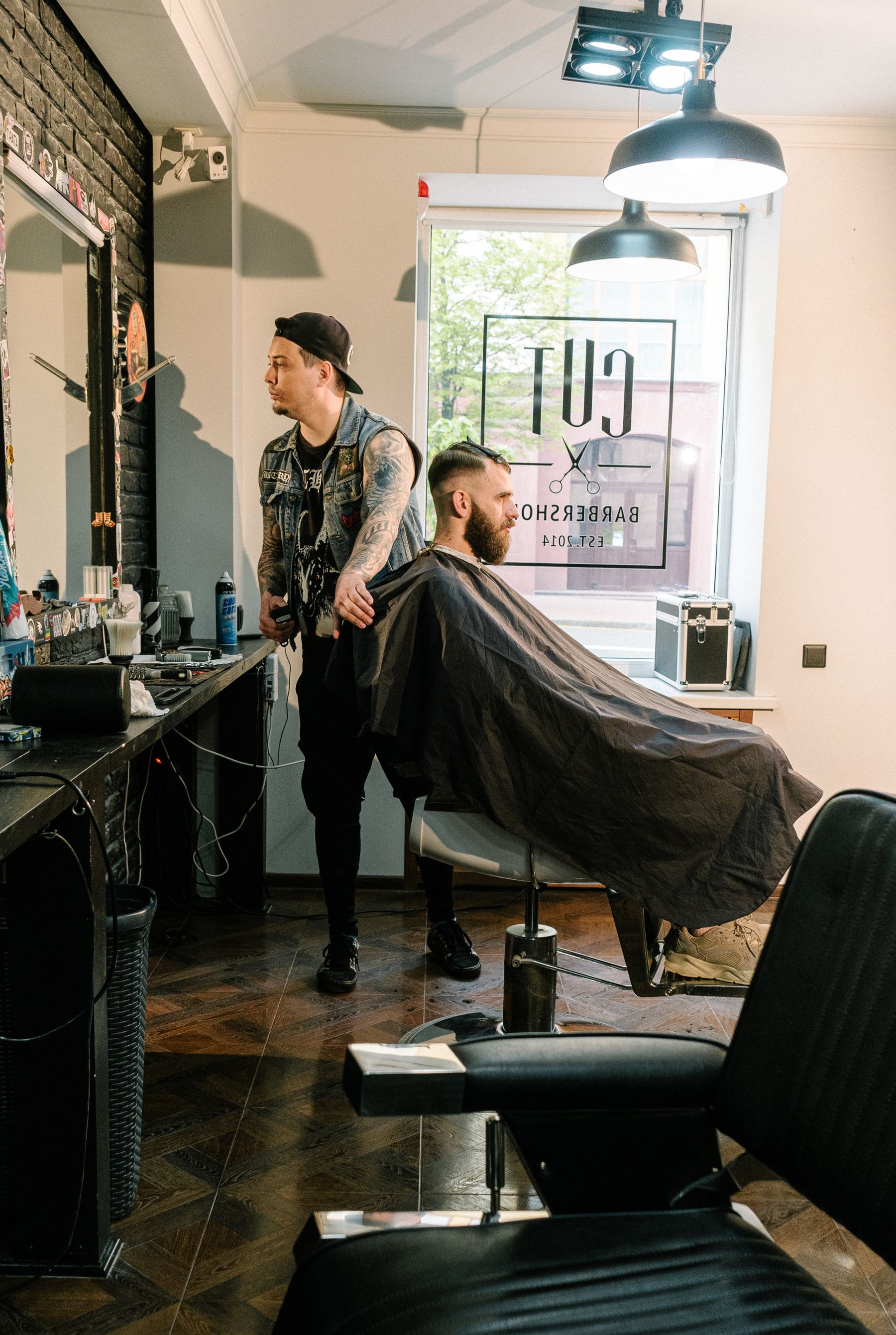
No more guessing if the shop is busy
Find a barber shop near you
with a free chair.
See which shops near you have a free chair and how many people are waiting. Walk in, or book a slot.
Free for customers. Nothing to pay in the app.
The problem
You don't know what's
happening at the shop.
Before you arrive, there's no easy way to see how busy the shop is or whether a chair is available. And when the shop has space, people nearby can't see it either.
- Customers can't see the waiting line before they arrive
- Shops can't easily show when they have a free chair
- Both sides miss out because the information isn't visible
How it works
Three simple steps.
- 01
Open TrimBrim
Create an account and see barber shops near you, or choose a city to explore.
- 02
Check the chairs
See how many chairs are free and how many people are waiting at each shop.
- 03
Walk in or book
See a free chair? Head to the shop. Want a time? Ask the shop for a slot.
For barber shops
Show customers when
you have a free chair.
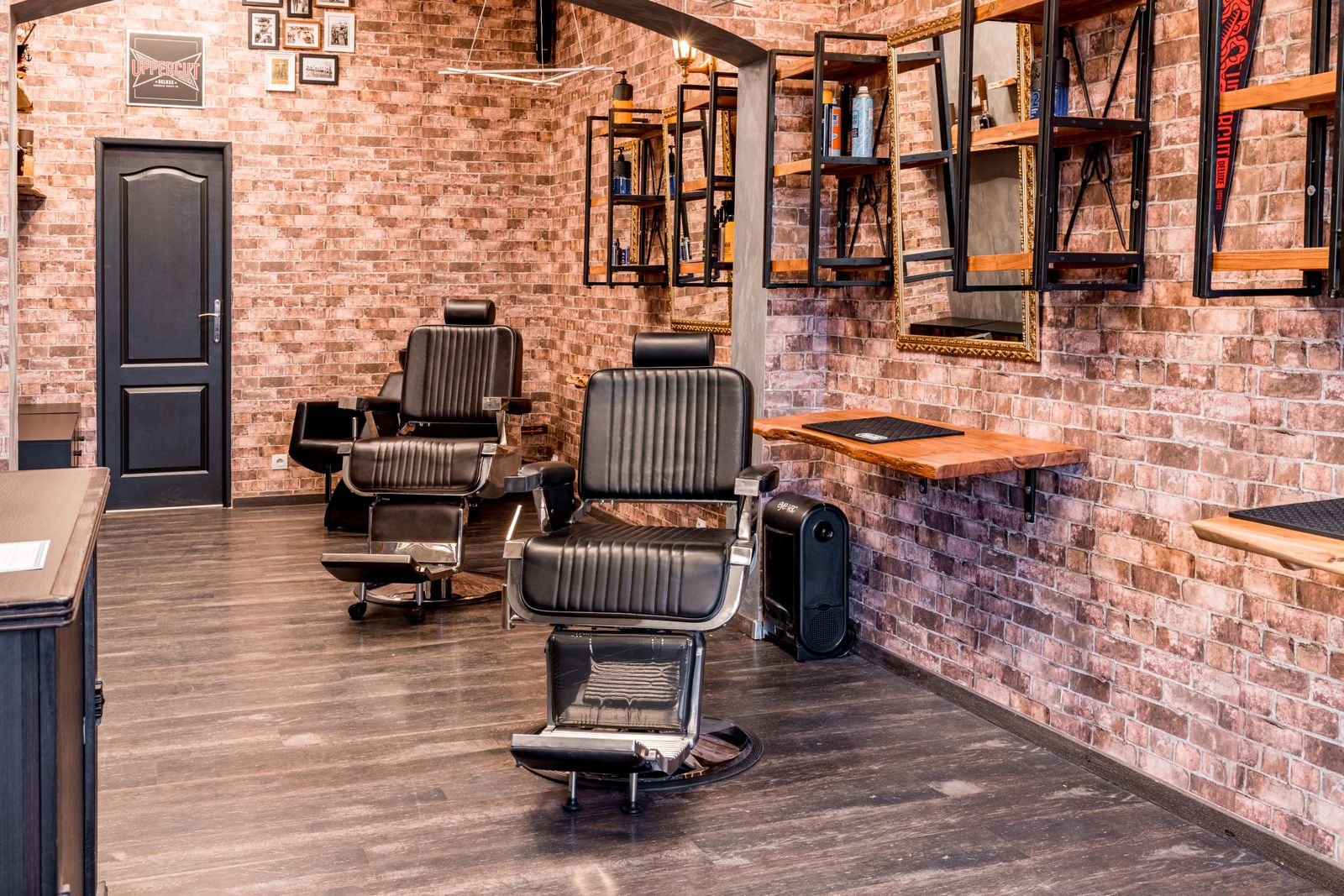
List your shop for free. When a customer sits down, tap +. When they leave, tap −. Your chair availability and waiting line stay visible to people nearby.
Get seen when you have space
People nearby can see your free chairs and waiting line.
Take bookings
Accept or reject booking requests, see the day’s diary, and how far away each booking was made from.
Create and boost offers
Create an offer and choose how far you want it to reach. Customers nearby and farther away can discover your deal.
Boost an offerReach past customers
Send offers to customers who have visited your shop and use TrimBrim.
Keep track of visits
See who visited and when, without a notebook.
- Free to list
- No commission
- Customers pay you directly
FAQ
Questions people ask us
Yes. TrimBrim is free for customers. Shops can list their shop, chairs, menu and photos for free, with no commission. Offers are optional.
No. Walk in when you see a free chair. If you’d rather have a time, ask the shop for a slot in the app; the shop accepts it, and you pay at the shop as usual.
The app also shows how many people are waiting, so you can see the current situation before you head to the shop.
The shop updates its chairs by tapping + when someone sits down and − when they leave. The same applies to the waiting line. Those updates are what you see in the app.
The numbers depend on the shop keeping them updated. If a shop hasn’t updated its availability recently, the information may be out of date.
No. You pay the shop directly at the counter, as usual. TrimBrim is not involved in the payment.
Yes. Listing is free and there’s no commission. Tap List your shop, leave your number, and we’ll help you get your shop set up.
Shop owners can create an offer, choose how far it should reach and how long it should run. Customers within that area can discover the offer in TrimBrim. Shop owners can also send offers to customers who have visited their shop and use TrimBrim.
No. Offers do not move a shop higher in the regular shop list. Shop discovery and offers are separate.
TrimBrim is on Google Play for Android phones. There is no iPhone version yet. If you run a barber shop, you can list your shop for free.
Get the app
See which nearby shops have a free chair right now.
Get it onGoogle PlayRun a barber shop? List it for free.